How do I create a post in Posts?
➕ How do I create a post in Posts?
The Posts area is ideal when you want to prepare posts in a structured and efficient way instead of "on the fly". Rather than clicking through individual days in the calendar, you work here as in a central production and overview list: you create posts, add media, write texts, set labels, and move content step by step into the right status.
This is especially helpful when you:
- want to prepare several posts in one go (batch work)
- structure content by format or campaign (e.g. via labels)
- first collect posts as a draft and later submit them together for approval
- want to switch quickly between several posts without losing context
In short: the content is created in Posts – you then check the final timing and the distribution across the week in the Calendar.
If you first want to get a general sense of Posts, start with Introduction to the Posts area.
Before you start (quick check)
So you don't get stuck while creating, quickly check:
- The desired account/channel is connected → Adding social media channels.
- You have the necessary permissions (e.g. create draft, request approval, schedule) → Inviting your team & assigning roles (Admin, Editor, Creator, Viewer).
- If you work with assets: images/videos are ready at hand.
If you later see "too much", filters help (account/status/labels) → What can I filter by in the Posts area?.
Step by step: creating a post
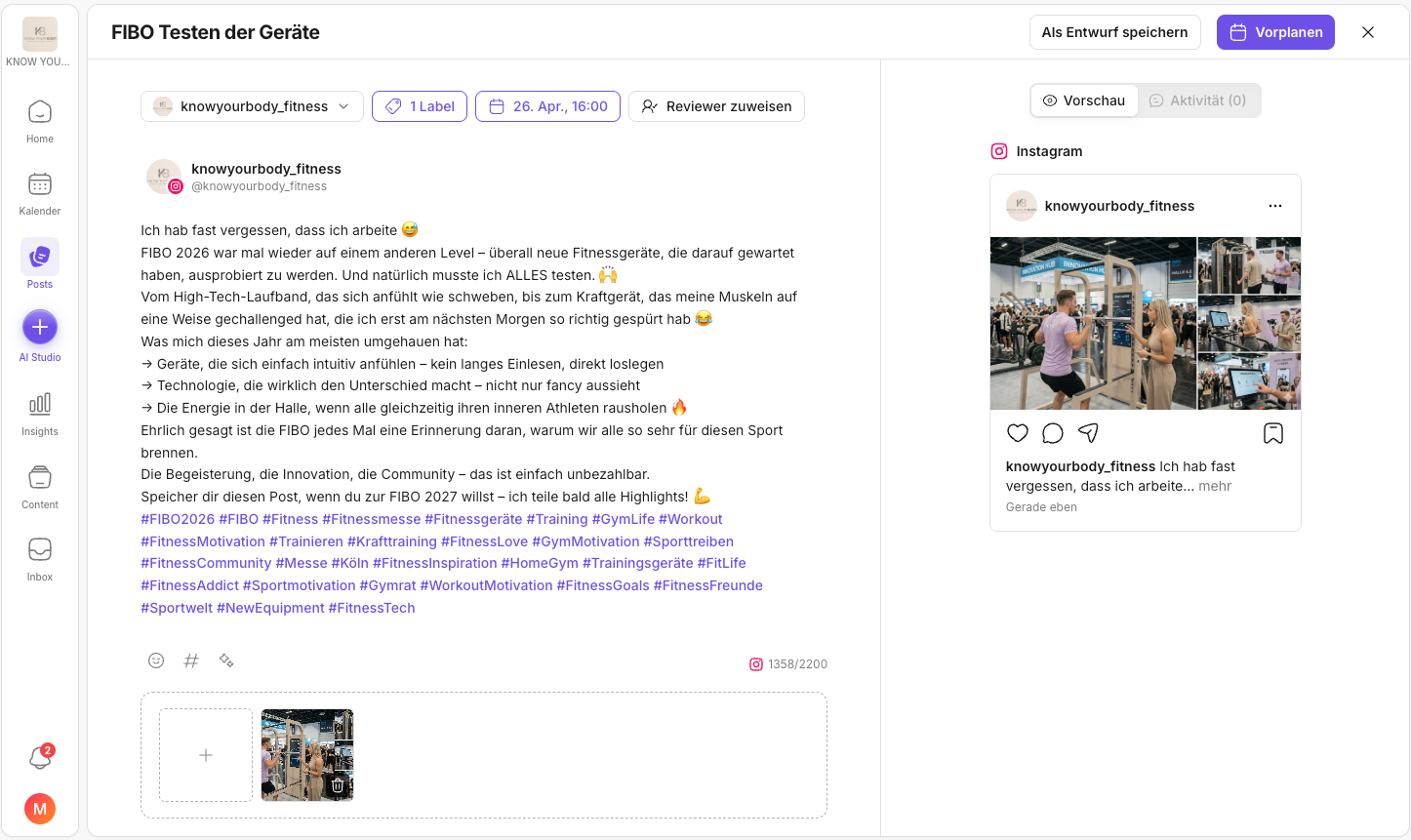
- Open the Posts area.
- Click Create post at the top right.
- Select the account/channel.
- Give the post a title or a short label.
- Add media.
- Write your caption -> Optional: use our AI to create text variants per platform and target audience →
- Decide what should happen next:If you want to look up statuses in the calendar context: Understanding statuses & approvals in the Calendar.
- save as a draft
- request approval (details: Approval & review in Posts)
- schedule directly (if everything is final)
- Set labels to make format/campaign/priority visible → Labels for posts and Labels in Posts.
Tip: combine Posts + Calendar
- Create and edit posts in Posts.
- Then set timing and distribution in the Calendar.
This gives you speed in creation and clean planning.
If you're looking for the right view for this: Calendar views: month and week.
Related pages
Need personal help? Email us at support@knowyourchat.de