All your social media assets in one place.
Images, videos, PDFs, documents, audio and Canva designs — store and organize them centrally and use them across your entire workflow with your AI crew.
- Upload via drag & drop & in bulk
- Folders, subfolders & smart search
- Ready to use in Posts, AI Studio, Calendar & Inbox
- Canva built in — import & use designs
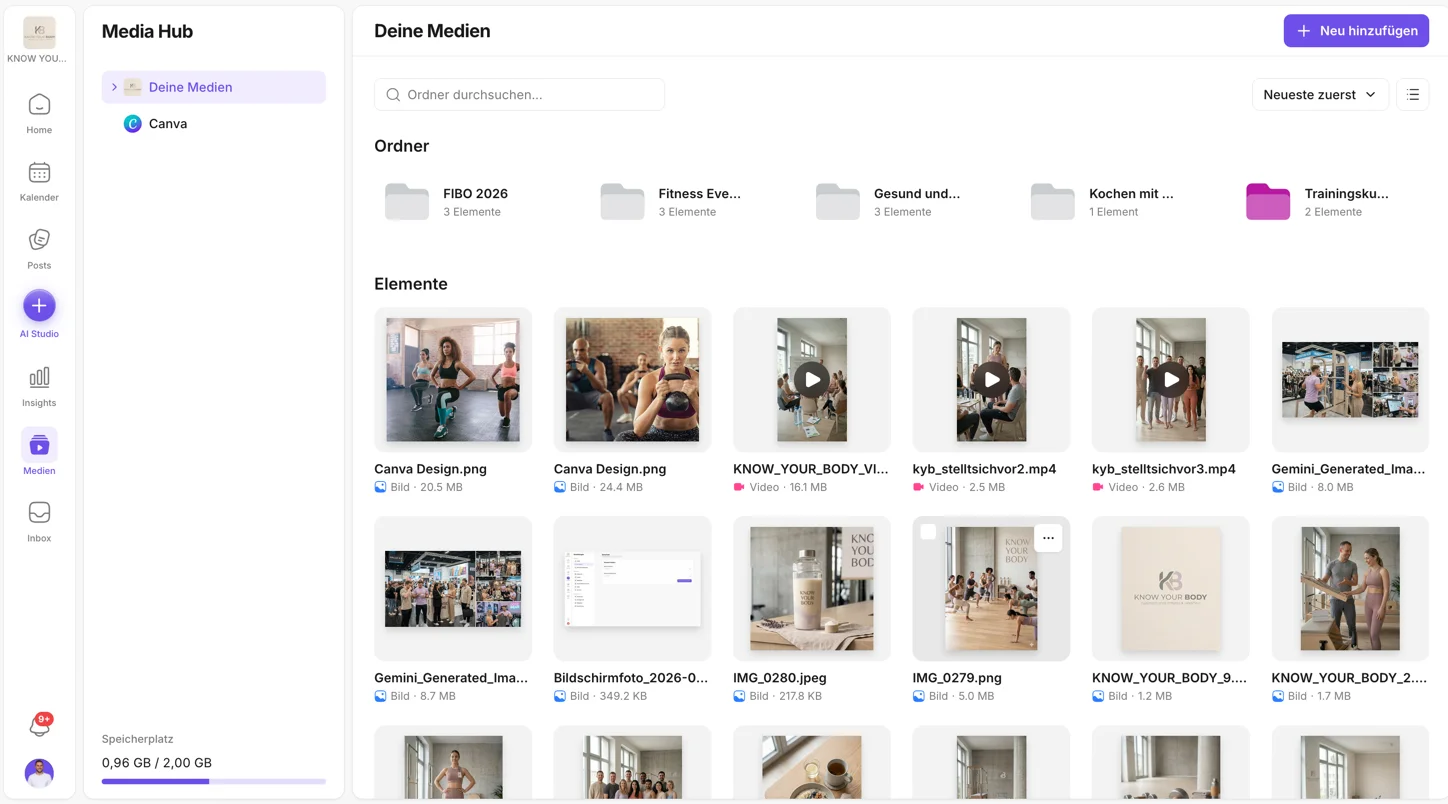
When media is scattered, content slows down.
- Assets live in Canva, downloads, emails or chats
- Teams can't find files again
- Re-uploading wastes time and storage
- The right content is missing at the wrong time
- Content creation gets needlessly complicated
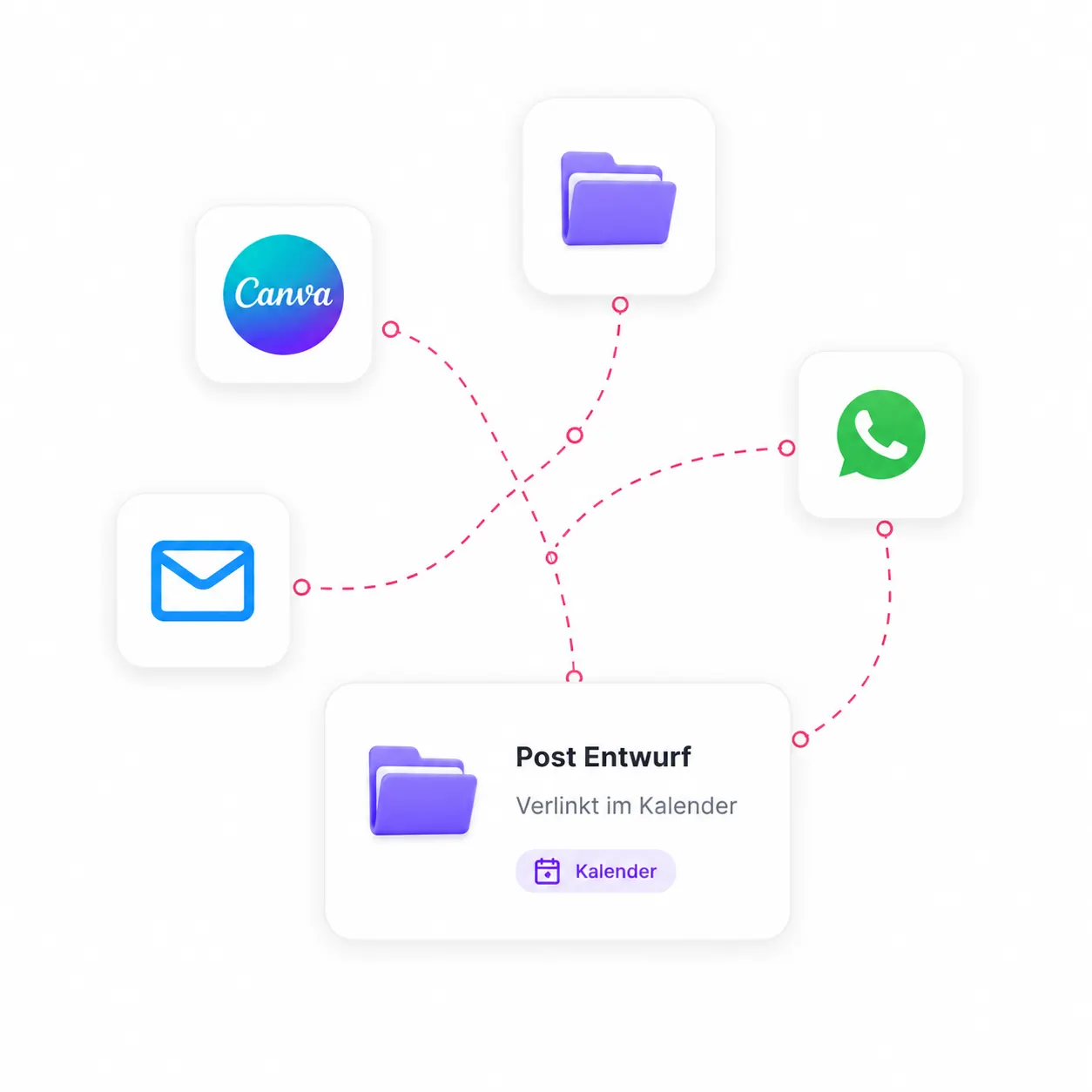
The Media Hub makes your assets instantly usable.
- All media in one central place
- Neatly organized & instantly findable
- Seamlessly integrated into your social media workflow
- Turn assets into content with your AI crew
- No duplicate uploads. No lost files.
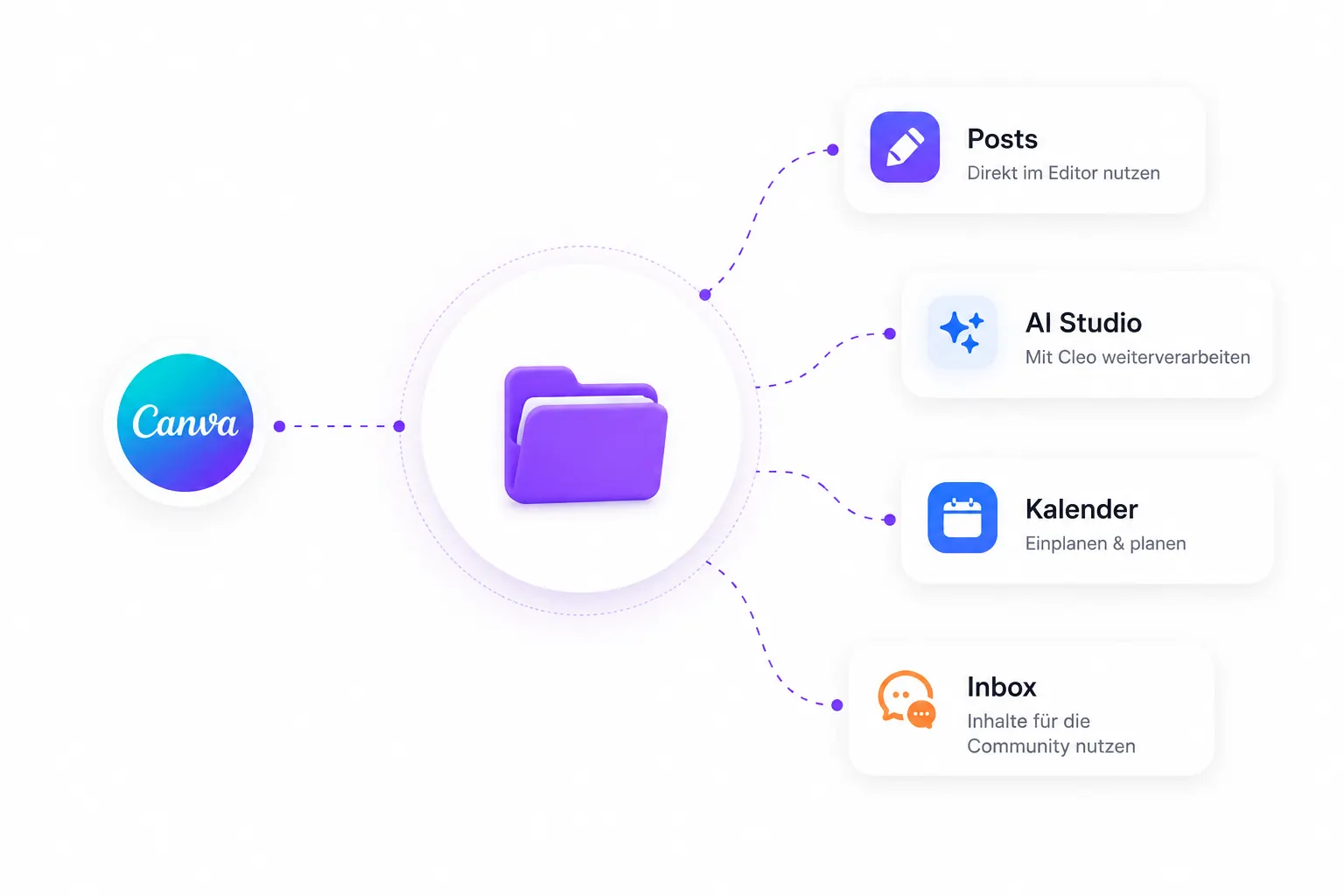
One asset.
Usable everywhere.
Whether it comes from Canva, an upload or AI Studio – everything lands in the Media Hub and is instantly available for posts, planning, inbox and more.
- Import & reuse Canva designs
- Insert directly in the post editor
- Keep working on it with Cleo in AI Studio
- Use it in calendar entries
- A workflow without constant exporting
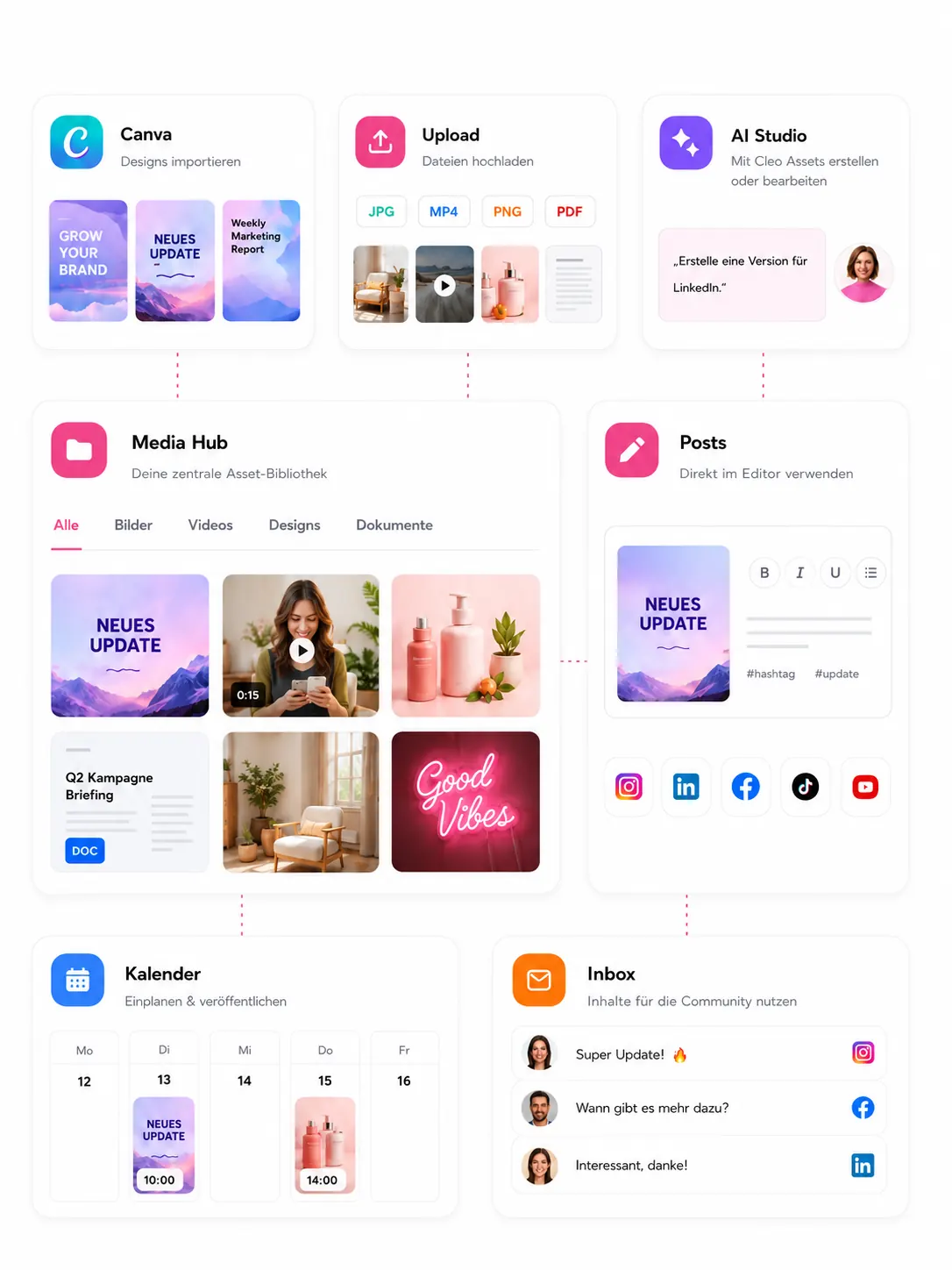
Turn assets into strong content.
Cleo uses your media to develop ideas, copy and content. Max checks platform requirements and takes your content safely LIVE.

Creates content ideas, captions, alt text & post drafts from your assets.

Makes sure your assets fit your brand strategy and content pillars.



Creates content ideas, captions, alt text & post drafts from your assets.
Makes sure your assets fit your brand strategy and content pillars.
Your workflow with the Media Hub
From upload to published post — every step from one library.
Upload assets
Add images, videos, PDFs, documents, audio or Canva designs.
Organize
Folders, subfolders and tags help you keep everything structured.
Use with your AI crew
Cleo turns them into ideas, captions, alt text or post drafts.
Create the post
Use assets in posts, adapt them per platform and finalize.
Schedule or publish
Schedule via the calendar or publish directly with Max.
Frequently asked questions about the Media Hub
Organize your assets. Create better content.
All your media in one place. For you, your team and your AI crew.