Labels for posts
🏷️ Labels in KNOWYOURCHAT: Organize Posts and the Smart Inbox in a structured way
Labels bring order to KNOWYOURCHAT: you tag posts with keywords so you can filter, assign, and analyze them faster later on.
What are labels?
- Tags are freely assignable keywords you use to categorize content.
- They help with filtering, with reporting/analysis, and with organizing within the team.
ℹ️ Info: Labels work across channels and are especially useful for keeping an overview, for example by campaign, priority, or client.
Adding labels to posts
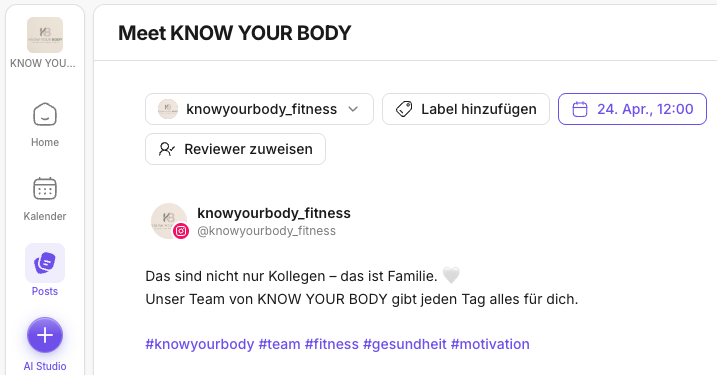
- Open a post in the Posts area or in the Calendar.
- Click Add label in the top left.
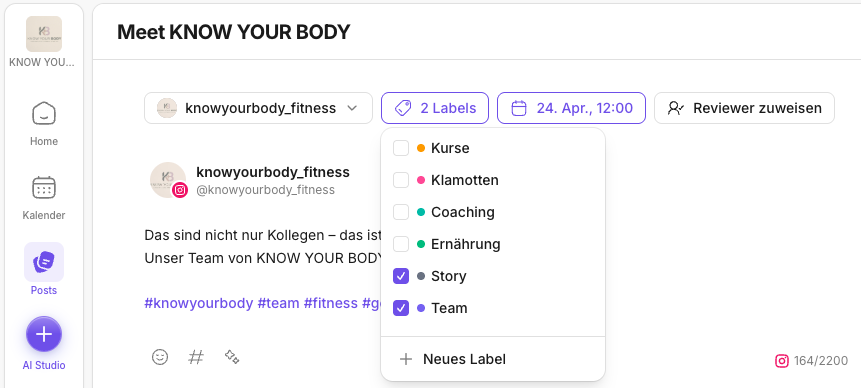
- Either select an existing label or create a new one and confirm with Enter.
- Your labels are saved immediately and displayed below.
Tip: A tag system that actually works
- Use a few clear tags (e.g.
Kampagne:Frühjahr,Prio:Hoch,Kunde:Beispiel GmbH). - Keep spelling consistent so filters and analyses stay clean.
Related articles to read next
Labels really pay off when you use them consistently in your workflow. These pages are a particularly good fit in this context:
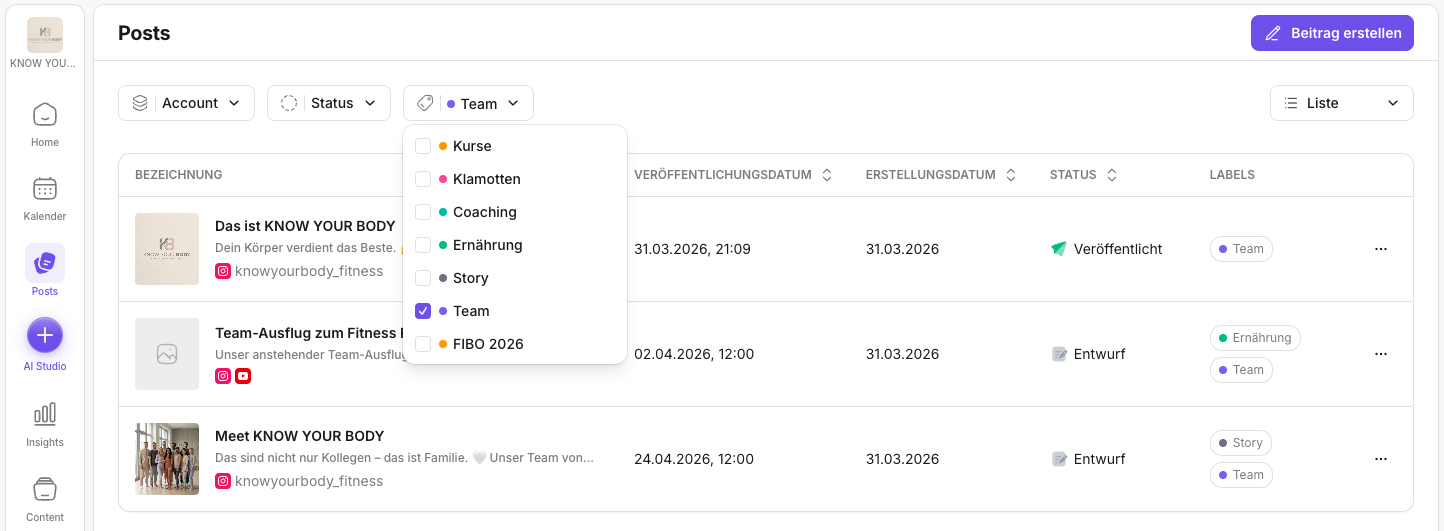
- Posts: This is where you filter posts by labels and work with statuses, approvals, and series.
- Calendar: Handy if you use labels to spot planning gaps or track campaigns across several weeks.
- Manage labels (workspace): If you want to create, clean up, or standardize labels across the team.
- Inbox: Helps if you think of labels not just for posts but also for team routines around community work.
Need personal help? Email us at support@knowyourchat.de